
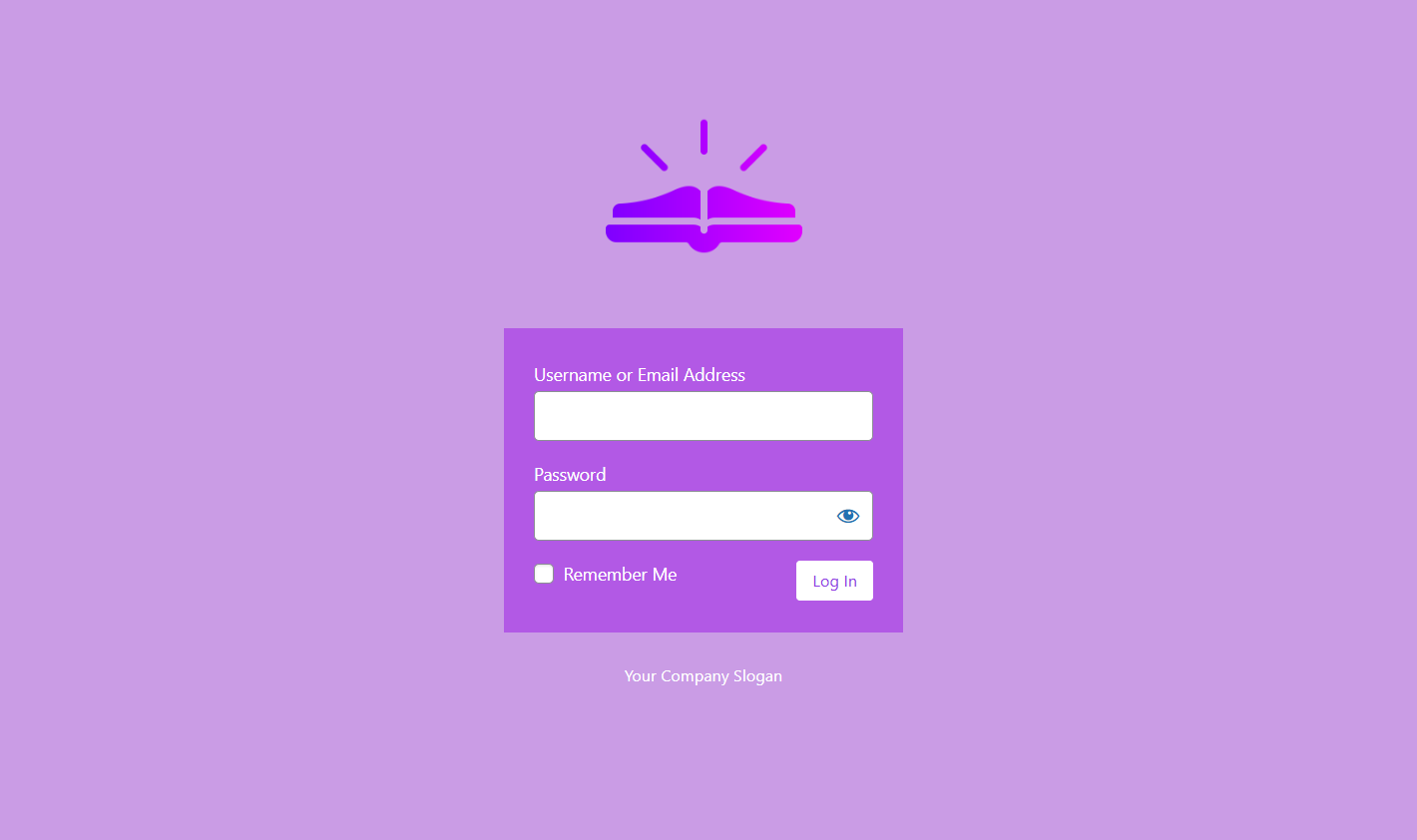
Simple Login Styler 1.1: Brand Your WordPress Login Page in Minutes
WordPress gives you full control over your site — except for one page. The login screen still shows the WordPress logo, the default blue button, and the generic “Log In ‹ Site Name — WordPress” browser tab. If you’ve spent time getting your brand right everywhere else, this one page sticks out.
Simple Login Styler 1.1 fixes that.
What’s new in 1.1
Version 1.0 was a proof of concept. Version 1.1 is a complete rebuild with a full feature set:
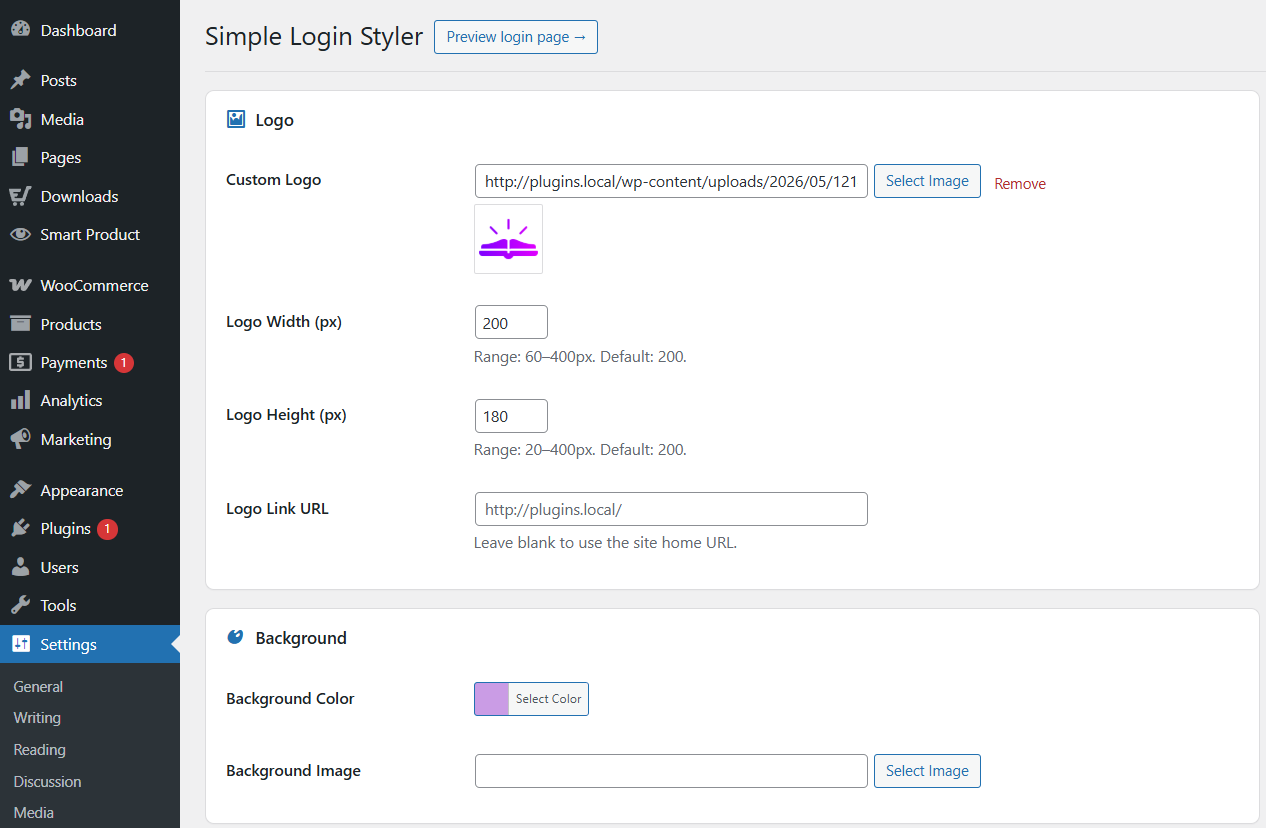
Logo Upload your logo from the WordPress Media Library. Set the width and height independently (60–400px range), and point the logo link wherever you want — your homepage, your client’s site, wherever makes sense.
Background Set a solid background color, or upload a background image. Control how it fills the screen: Cover, Contain, or Auto. Set repeat behavior if you’re using a tiled texture or pattern.
Login form panel Change the panel background color. Adjust the border radius. Toggle the border and box shadow on or off. Customize the label color so your form text matches your brand.
Buttons Set the button background and text colors. Adjust border radius. The styles apply across all states — default, hover, focus, active — so there are no inconsistent flashes when someone clicks.
Text and links Replace the browser tab title with your own. Hide the “Back to [Site Name]” link. Hide the “Lost your password?” link if you’re managing users directly. Add custom footer text below the form, with its own color control.
Reset to Defaults One button to undo everything and return to stock WordPress.
How it works
The plugin hooks into WordPress’s native login page hooks — nothing touches wp-login.php directly. On the login page, it outputs a single CSS block built from your settings. Fields left at their default values produce no CSS output at all, keeping the output lean.
No jQuery. No render-blocking scripts. No frontend overhead.
Works great with UnclutterWP
Once your login page looks right, take a look at UnclutterWP — it removes the WordPress defaults that ship on every other page: emoji scripts, XML-RPC, REST API discovery links, oEmbed output, and more. Same philosophy, applied site-wide.
Get it
Simple Login Styler is free on WordPress.org.
Download Simple Login Styler →
Install it, go to Settings → Simple Login Styler, and your login page will look like yours in about two minutes.