
Introducing Simple X Buttons — X Share & Follow Without the Widgets.js Drama
If you’ve tried embedding X’s official share or follow buttons on a WordPress site in the last year or two, you’ve probably run into the same wall: widgets.js timing out, buttons not rendering, or HTTP 429 errors showing up in your network tab. X’s embed infrastructure has been quietly breaking at scale since 2023, and they haven’t shown much interest in fixing it.
So we built around it.
Simple X Buttons
A new free WordPress plugin that adds X share, follow, mention, and hashtag buttons to your site — with no API key, no external scripts, and no rate limits.
How? X Web Intents. These are plain URLs that X has provided for years — https://twitter.com/intent/tweet, https://twitter.com/intent/follow, and so on. They open a lightweight native X popup when clicked. No JavaScript SDK required. Nothing loads on your page until the user actually clicks the button.
That makes it fast, GDPR-friendly, and immune to whatever X’s infrastructure decides to do next.
Four button types
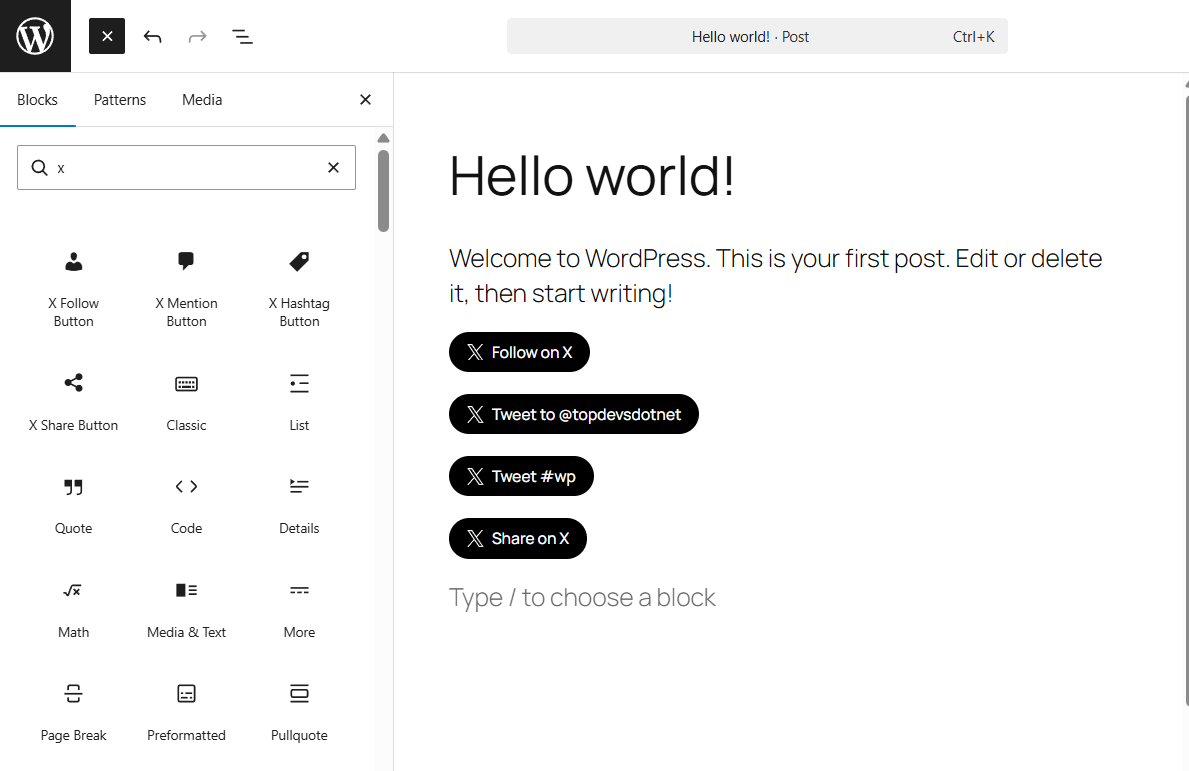
- Share — opens X compose pre-filled with the post title, permalink, hashtags, and a via handle. You can also pull the post’s own tags in automatically as hashtags.
- Follow — opens X’s native follow dialog for your account.
- Mention — opens X compose pre-filled with @yourhandle, so visitors can tweet directly at you.
- Hashtag — opens X compose pre-filled with a hashtag of your choice.
Three ways to add them
Auto-insert is the zero-effort path. Enable a placement in Settings → Simple X Buttons, choose which button types to show and which post types to inject into, and you’re done.
Shortcodes work anywhere WordPress shortcodes do:
[sxb-share][sxb-follow handle="yourhandle"][sxb-follow handle="yourhandle"][sxb-hashtag tag="wordpress"]Gutenberg blocks — all four buttons are available as drag-and-drop blocks with live previews in the editor, sidebar controls for handle, hashtag, label, and style.
Three button styles
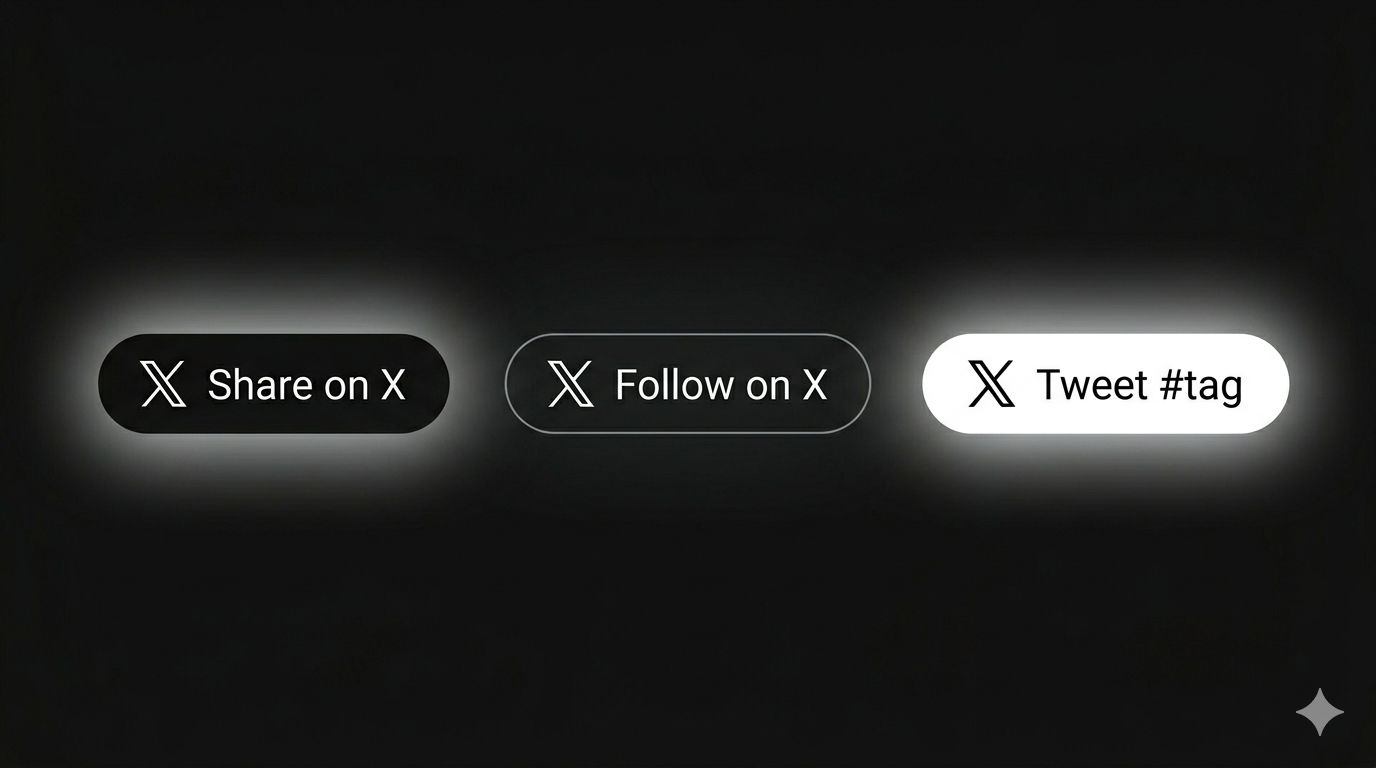
Dark, Outline, and Ghost. Pick one globally in Settings or override it per block or shortcode.
Who is this for?
Anyone who wants X social buttons on their WordPress site without loading a third-party script on every page load. That includes sites with strict performance budgets, GDPR-conscious European audiences, or anyone who’s just tired of widgets.js silently failing.
Get it
Simple X Buttons is free and available to download on WordPress.org. Search for it in your dashboard under Plugins → Add New, or download it directly from the plugin directory.
If you’re a developer, there are also template tags (sxb_share_button(), sxb_button_bar()) and a full filter/action hook surface for building on top of it — including a Pro integration contract we’ll be using for upcoming features in Simple Social Pro.
Give it a try and let us know what you think.